Modern iGPUs are surprisingly capable, but they aren’t without limitations.
By Vincent Arogya Nov. 14, 2026 4:45 pm EST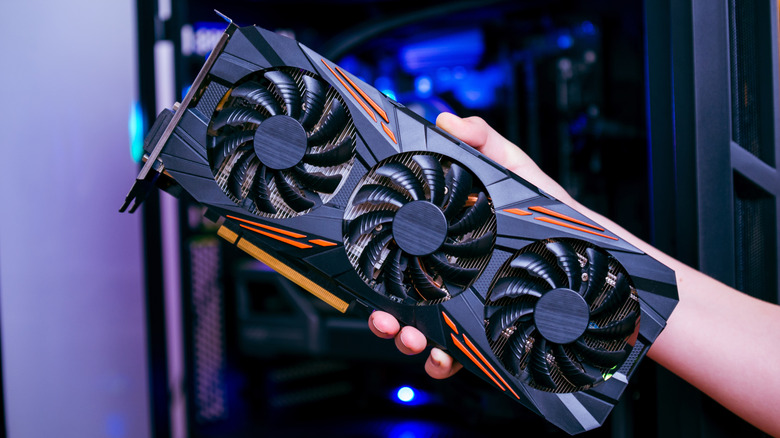 RSplaneta/Shutterstock Add Engadget on Google: Preferred Source Google Discover
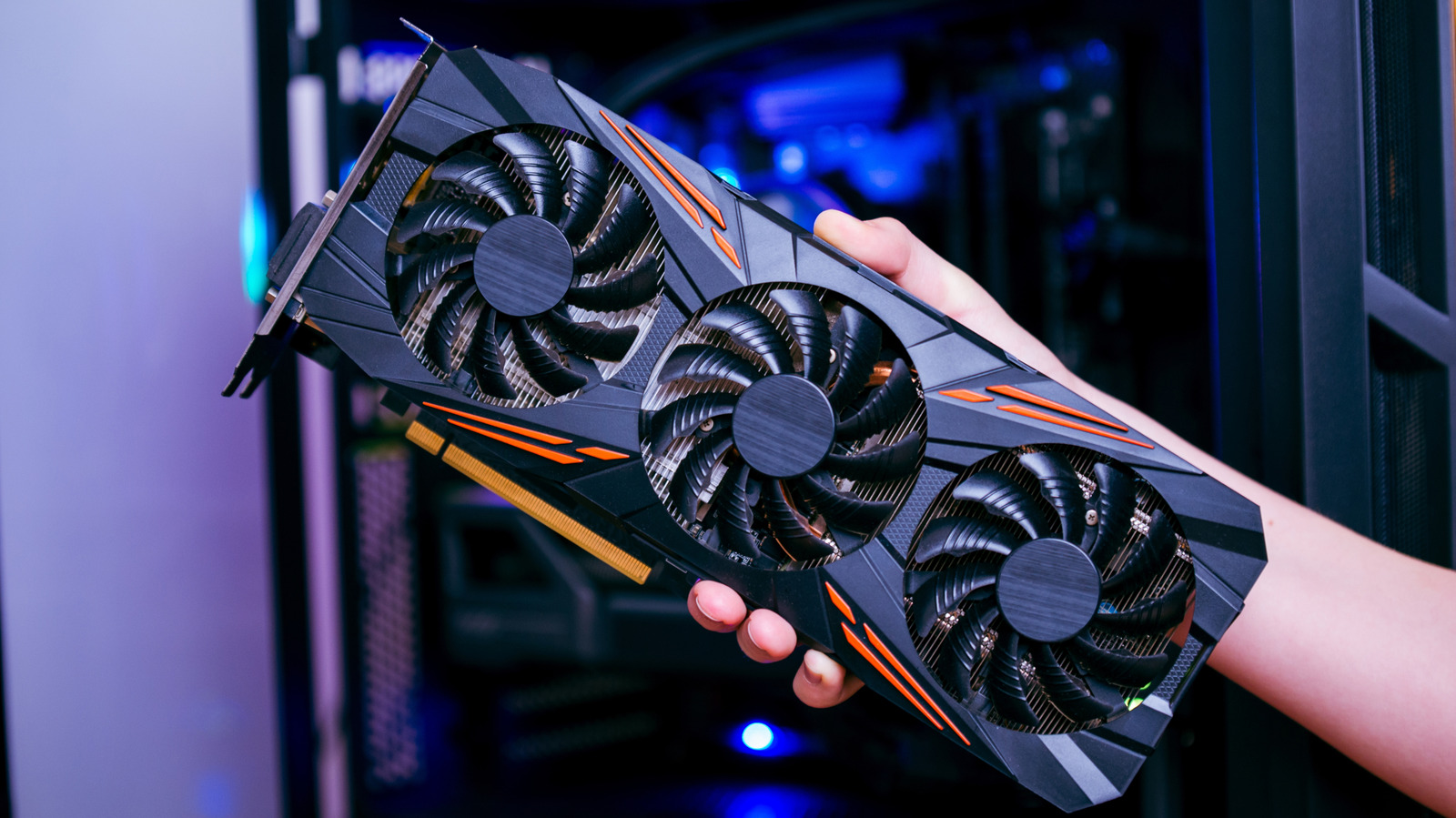
A discrete graphics card is often the most expensive component in desktop computers, especially in gaming-focused builds. Besides driving a display, dedicated graphics cards also accelerate productivity-focused tasks like high resolution video editing, loading and running local LLMs or playing high-fidelity video games. While discrete graphics cards provide big performance uplifts to desktop computers, they aren't necessarily devoid of drawbacks.
If all you do on your computer is browse the web, stream media and play casual games, investing in a dedicated GPU might be unnecessary, and that doesn't even count buying a compatible PSU to power the card itself. Instead, you can look toward integrated graphics, as modern iGPUs are quite competent at offering a solid desktop experience, including light productivity, seamless media encoding and decoding and even casual gaming. As the name suggests, an integrated GPU is built into the same processor package and shares memory bandwidth with the CPU, unlike dedicated GPUs that have their own VRAM.
If you're on the fence deciding between getting a dedicated GPU or an iGPU, ask yourself if the additional power is something you actually need. If your current computing needs don't involve demanding workloads, a modern iGPU, like the AMD Radeon 780M, should easily fulfill your daily computing demands.
Not all integrated graphics are created equal
You might be surprised to learn how capable modern iGPUs have become, as they were once a bit of a drag on a system. However, it's worth noting that not all CPUs come equipped with equally capable iGPUs. Some only support display output, while others can comfortably drive high-resolution displays at higher refresh rate displays (not to confuse with pushing high frame rates in games), play casual games and handle light GPU-intensive workloads.
Take the AMD Ryzen 7 8700G and Ryzen 7 9800X3D processors, for example. The former features the AMD Radeon 780M graphics with 12 compute units, while the latter comes with basic Radeon Graphics, consisting of only two compute units. Interestingly, despite the Ryzen 7 9800X3D being significantly faster at CPU-related workloads, it's considerably weaker than the Ryzen 7 8700G in GPU-intensive scenarios.
If you're putting together a desktop computer with an iGPU, both Intel and AMD offer options across different budgets. However, AMD is currently leading the desktop iGPU space with its iGPU offerings providing substantial graphics-processing horsepower over Intel's conventional integrated graphics solutions.
When is a dedicated graphics card worth buying?
If you increasingly find your workloads shifting towards high-resolution video and photo editing or high-fidelity gaming, buying a dedicated graphics card over an iGPU makes the most sense. Not only is a discrete graphics card considerably more powerful than an iGPU, its dedicated VRAM provides a separate and much higher bandwidth memory pool that graphics workloads can take advantage of, alleviating memory-related bottlenecks that iGPUs are commonly susceptible to.
Unlike a dedicated graphics cards, an iGPU's performance depends on more than just its clock speeds or core counts. Since iGPUs share system memory, RAM speeds, configuration and capacity can all contribute to memory-related bottlenecks. For instance, TechSpot found that switching from DDR5-6400 to DDR5-5200 saw significant performance drops on the Ryzen 7 8700G, across several games.
On the bright side, owning a desktop computer means the freedom to upgrade your machine based on your needs. Just because you built a computer with an iGPU, it doesn't mean you're stuck with it forever. If you find your computing demands shifting from light workloads to running demanding games, loading heavy LLMs, rendering 3D graphics or high-resolution video editing, popping in a powerful graphics card into you PC can give it the additional horsepower needed to meet those demands. However, don't forget to verify your power supply capacity, PCIe compatibility and case clearance to accommodate a discrete graphics card into your build.