It might just change your viewing experience for the (way) better.
By Will Shanklin July 11, 2026 2:30 pm EST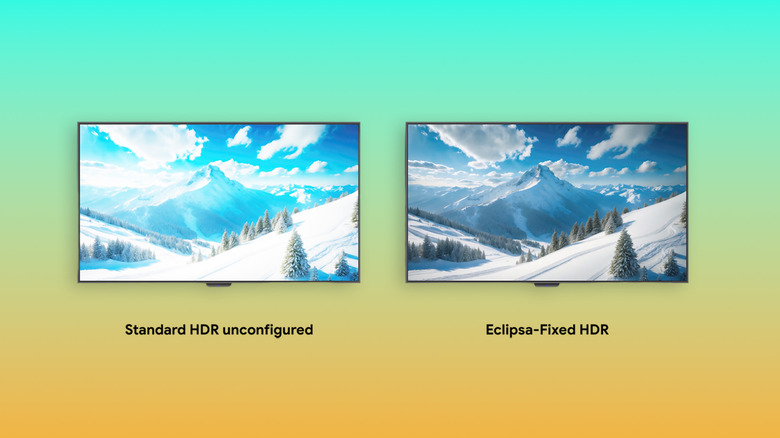 Google
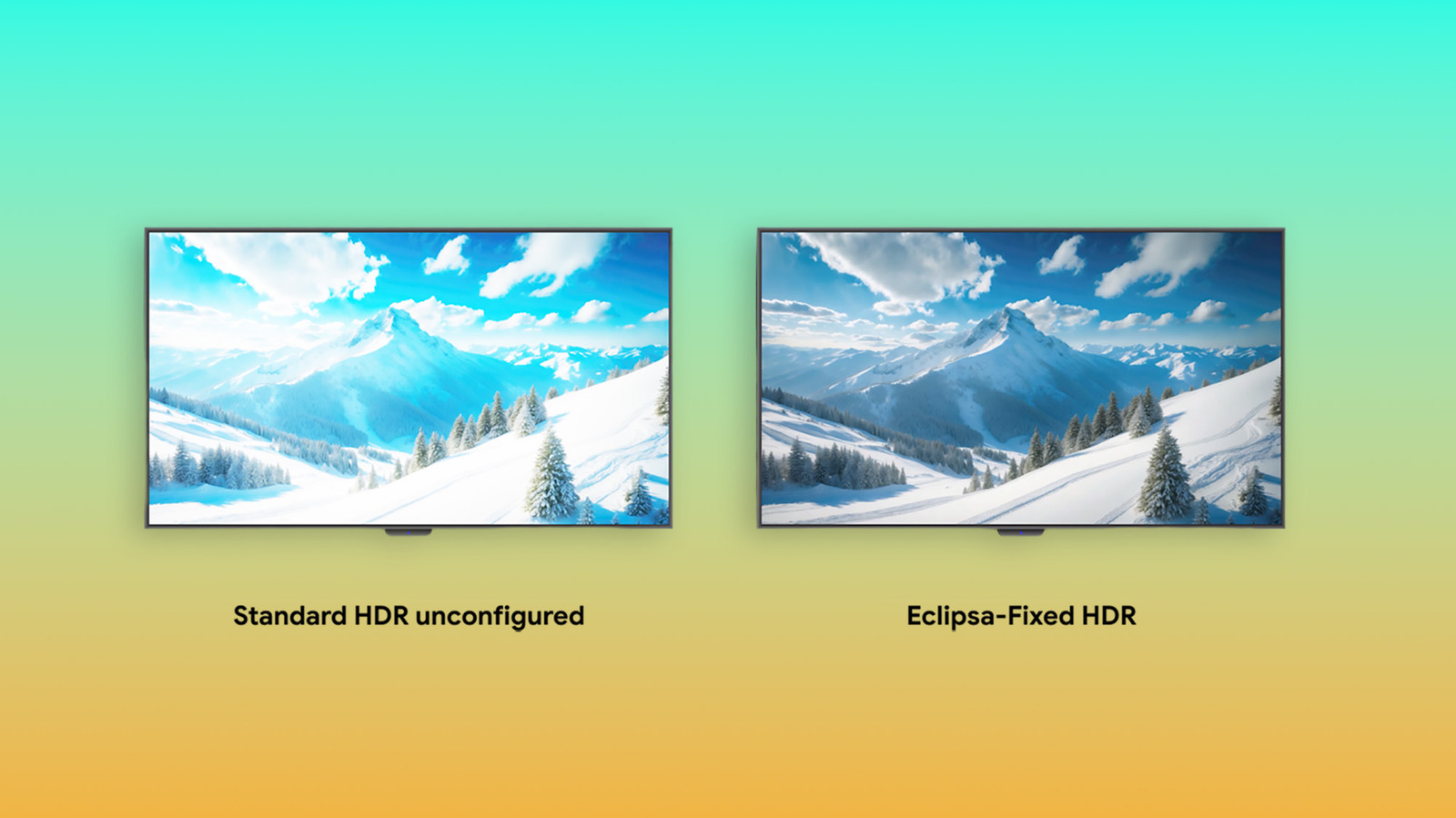
 On the right device, HDR can dazzle with its wide range of brightness and color. But one annoyance is that it can change appearance dramatically from one screen to the next. A scene that looks terrific on a high-end TV might have muddy shadows on the wrong phone or blown-out highlights in a dark room. It's a problem that Eclipsa Video, a new open HDR standard, is trying to solve. It's designed to make HDR content play more predictably across devices, apps and lighting conditions.
Google describes Eclipsa Video as a way to make HDR look "consistent, balanced and comfortable on every screen." It's Google's branded version of (the unfortunately named) SMPTE ST 2094-50, a new open standard the company developed alongside Apple and NBCUniversal.
What Eclipsa Video does
The format aims to address HDR's unpredictability with a more flexible set of instructions for displays. That includes how they handle brightness, contrast and highlights as the video changes. It accounts for a screen's capabilities and (on compatible devices) can make changes based on the ambient lighting in your room. The idea is to reduce HDR's pitfalls: crushed shadows, clipped highlights, washed-out tones and sudden spikes in brightness. Ideally, it lets HDR and SDR content coexist without friction on the same screen.
How does it do this? As Google describes it, Eclipsa relies on "two clever pieces of metadata." First, it establishes a white reference anchor, a baseline for mapping SDR content's brightest elements. It then reserves extra brightness for HDR videos. Second, there are headroom-adaptive gain curves, a way for content creators to attach custom instructions within the file. So, if your screen's brightness can't match the video's requirements, this metadata tells it what to do to create just the right effect.
Eclipsa Video vs. Dolby Vision and HDR10
In that way, it's like Dolby Vision: Although the details are different, both use dynamic metadata to adapt the picture as the video changes. Meanwhile, HDR10 is less adaptive, relying on a single set of static instructions for the whole video. (However, the newer HDR10+ variant does use dynamic metadata.)
Another differentiating factor is openness. Eclipsa and HDR10 are built around an open standard. Dolby Vision is a proprietary format.
Platform-wide Eclipsa Video support (playback and capture) is coming to Android 17. It will eventually be available on phones, tablets and TVs. But as with any video format, its wider availability will depend on support from device makers, streaming apps and content providers.