Spending more doesn't guarantee a better fit for you, though there are some clear differences as you climb in price.
By Courtney Holt Nov. 21, 2026 8:15 am EST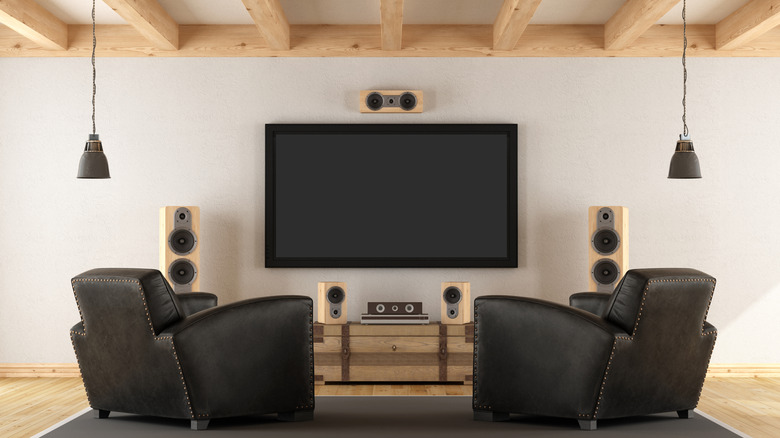 Archideaphoto/Getty Images Add Engadget on Google: Preferred Source Google Discover
We may receive a commission on purchases made from links.
Your TV's built-in speakers are fine... if you don't care about hearing dialogue clearly, feeling the bass or knowing where an explosion is coming from. Even an inexpensive soundbar can make a noticeable difference.
Soundbars can range from around $100 to well over $1,000, as demonstrated by our picks for the best soundbars. Many highly rated models that provide good value fall between $200 and $600 in our findings, as well as those from other outlets like Consumer Reports. The options vary considerably in how they handle surround sound, from basic bars designed to improve dialogue to more elaborate systems with wireless subwoofers and rear speakers.
Diminishing returns are key here. The biggest improvements usually come from moving beyond TV speakers and entry-level soundbars. After that, you're paying for more capable hardware, additional features and refinements that may be less noticeable to the average listener. Let's look at a couple of different price buckets, which aren't exact quality dividers but will give you an idea.
What do you get from a sound system under $250?
 Polk Audio
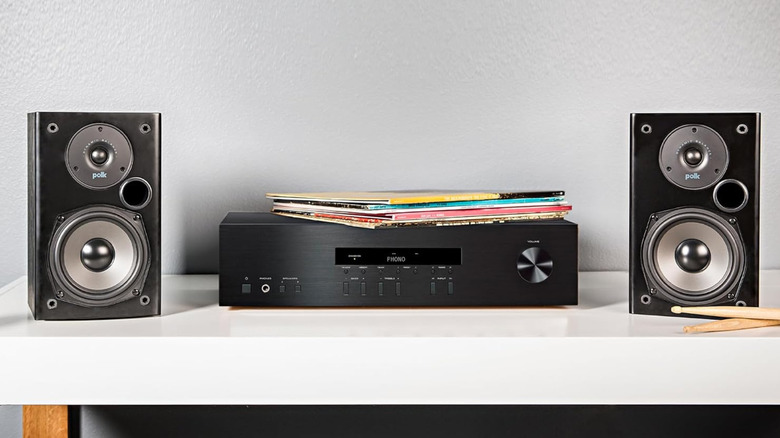
A basic soundbar can make dialogue easier to hear and give movies more presence. Models under $100 are pretty stripped-down and have limited connectivity, fewer sound modes and can't reproduce deep bass. They're designed to improve everyday TV audio without needing a complicated setup.
At this price, you're typically looking at a 2.0 or 2.1 setup. If you're not familiar with speaker channel numbers, a 2.0 soundbar has two audio channels (stereo), while a 2.1 model adds a separate subwoofer to handle lower frequencies. The Hisense HS2100, for example, sells for around $120 and includes a wireless subwoofer that gives it a fuller sound than a standalone bar.
For just under $200, you can get considerably more hardware. The Hisense HS5100 is a 5.1-channel system (adding two rear speakers and a center channel compared to 2.1) with a dedicated subwoofer and satellite speakers. Instead of relying on processing to simulate surround sound, the rear speakers provide audio behind you. It doesn't support Dolby Atmos, though, so you don't get overhead effects.
What changes when you spend $250 to $499?
 Pawel Kacperek/Getty Images
This is where soundbars start offering more impressive improvements to your TV's audio. You should see features like eARC for sending audio to your soundbar from any other input, as well as Wi-Fi streaming and more robust app features like full EQ management. You might also get upward-firing drivers for Dolby Atmos, making compatible movie soundtracks more immersive. Exact features vary among models; for example, the Hisense AX3120Q is a 3.1.2-channel Dolby Atmos soundbar for around $280.
A 3.1.2 system has three front-facing channels, a subwoofer and two height channels. That gives you a dedicated center channel for dialogue and hardware designed to reproduce overhead effects. The Polk Signa S4 is another example for around $449, while Sony's Bravia Theater Bar 5 offers a less expensive $350 alternative with a dedicated subwoofer and 3.1-channel configuration, virtualizing the overhead and directional effects. Neither gives you separate rear speakers for physical surround sound.
At the upper end of this price range, there are more complete surround systems with dedicated rear speakers and multiple height channels. The Hisense AX5140Q is a 5.1.4-channel system with a wireless subwoofer, two satellite speakers and four upward-firing drivers. It also includes features like a graphic equalizer, independent channel adjustments and dialogue enhancement. That's a lot more hardware than you'll find in a basic soundbar.
What does $500 to $1,000 buy you?
 Ismail Rajo/Shutterstock
In this range, you'll find more capable surround sound systems, but the improvements aren't just about adding more speakers. The Samsung HW-Q800F offers 5.1.2-channel audio with a wireless subwoofer and up-firing drivers for Dolby Atmos. It doesn't include rear speakers, though; it uses side-firing drivers for virtual surround effects. Other models, like Samsung's 3.1.2-channel HW-QS700F soundbar, offer features like automatic adjustments based on whether the bar is on a TV stand or a wall.
The JBL Bar 1000MK2 offers another step up. Its 7.1.4-channel configuration includes detachable, battery-powered satellite speakers, a subwoofer and upward-firing drivers. It also has room correction and a graphic equalizer. The detachable speakers give you physical surround sound when you want it, without having to keep them out permanently.
At the upper end of this range, you have systems like Marshall's $1,000 Dolby Atmos Heston 120 soundbar. But spending more doesn't necessarily mean getting a better fit for your room.
What do you get from a dedicated home theater system?
 Zdena Venclik/Shutterstock
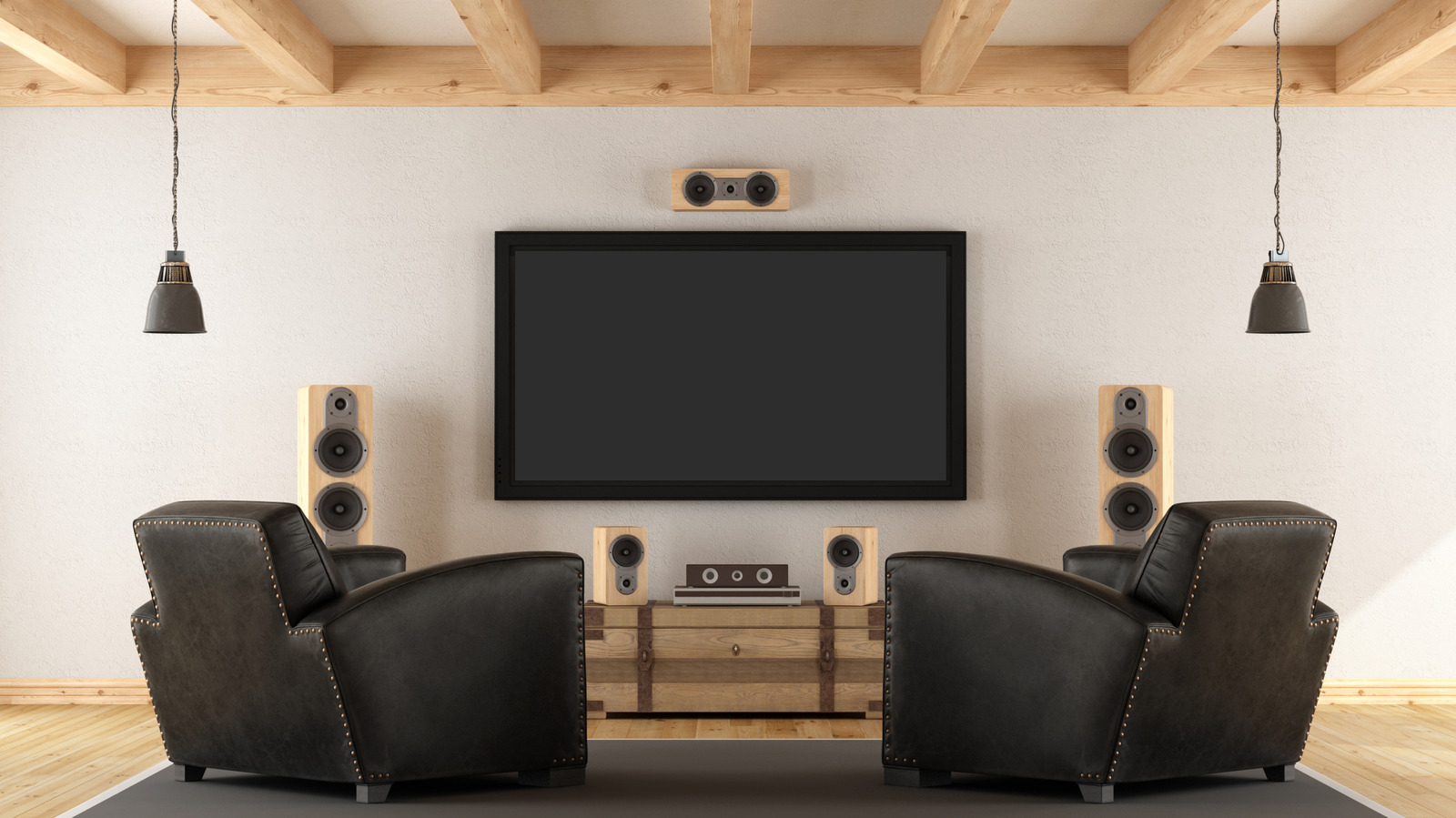
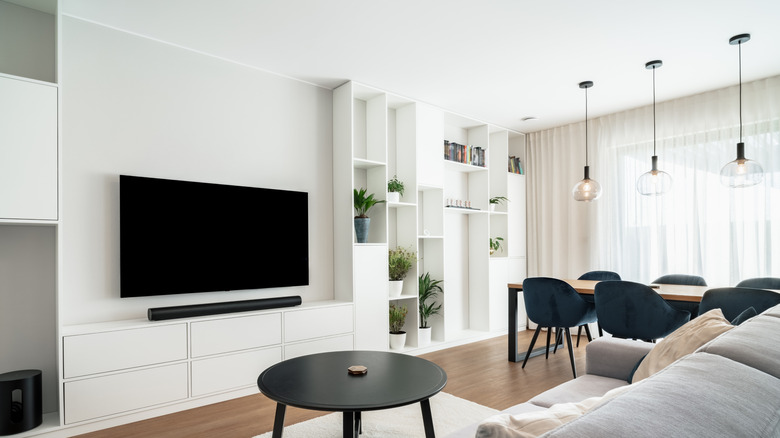
A dedicated home theater system gives you more control over where sound comes from. Instead of using a soundbar to simulate surround effects, an AV receiver sends audio to individual speakers around your room. A basic 5.1 setup includes left and right front speakers, a center channel, two rear surround speakers and a subwoofer.
The difference isn't just about having more speakers, though. A properly configured surround system can create a more convincing sense of space and make it easier to hear where dialogue and sound effects are coming from. But the difference between surround sound systems and soundbars shows with tradeoffs in cost, space and setup complexity.
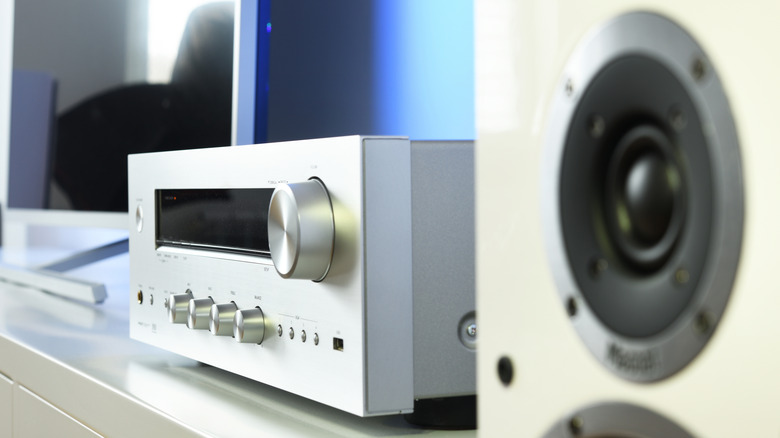
If you're willing to invest in separate components, a receiver-based system gives you more room to customize and upgrade later. Home Audio Advice put together a roughly $1,300 setup using a Yamaha RX-V4A receiver and a Klipsch Reference Cinema 5.1.4 speaker package. The receiver powers a basic 5.1 setup and the Klipsch package includes four additional height-effect speakers that can be used after upgrading to a compatible receiver. The flexibility is a major advantage.
However, soundbars are still able to offer a convincing surround experience. Samsung's 11.1.4-channel HW-Q990D soundbar is an example, though it doesn't come cheap. There are also modular options like LG's Dolby Atmos FlexConnect home theater system, which let you arrange compatible speakers around your room without committing to traditional wired placement.
Does expensive equipment actually sound better?
 PJ McDonnell/Shutterstock
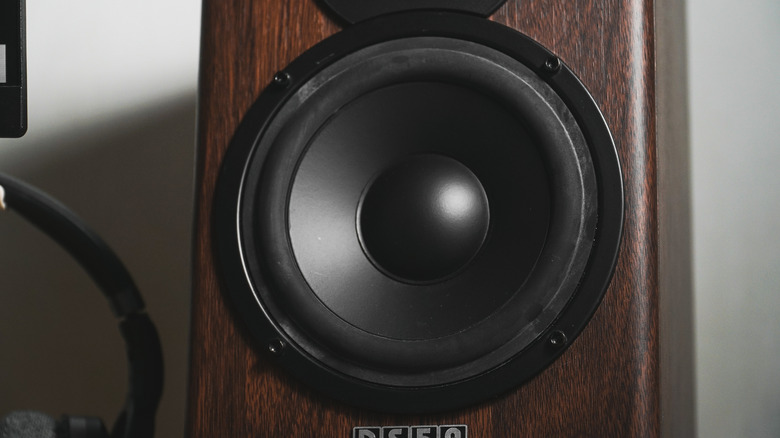
One of the biggest differences between inexpensive and premium speakers is how accurately they portray the sound captured by media creators. A speaker with an uneven response may emphasize certain frequencies while making others harder to hear, while a more balanced frequency response produces a more natural sound.
Bass reproduction is another area where better equipment makes a noticeable difference. Low-frequency extension describes how deep a bass signal a speaker can play before it starts dropping off. Smaller speakers struggle with the lowest frequencies, which is why a subwoofer makes such a difference in a home theater.
Louder isn't necessarily better, but a system able to maintain sound quality at higher volume definitely matters. More capable speakers can deliver greater output while maintaining a more consistent sound, which is helpful in larger rooms or when listening at high volumes.
When does spending more stop making sense?
 Shaye Bigelow/Getty Images
The jump from TV speakers to an inexpensive soundbar is usually a lot more noticeable than moving from a midrange to a premium one. Even soundbars under $300 can give a substantial improvement, and some budget models deliver sound quality that competes with more expensive options. Consumer Reports has found that certain less expensive soundbars rival pricier models in overall sound quality. Spending more isn't pointless, but the improvements become less direct as you move up the price ladder.
At higher price points, you're typically paying for refinements instead of a completely different audio experience. Those improvements can matter if you have a large space, watch a lot of movies, are a serious gamer or want to customize your setup over time. But someone watching content that doesn't take advantage of modern audio features (like news and sports) in a small living room may not notice enough of a difference to justify doubling their budget.
Your room can also limit the benefits of expensive equipment. Walls, floors, furniture and speaker placement all affect how sound travels, especially at lower frequencies. Before spending hundreds on new equipment, try repositioning your speakers or changing where you sit; small changes to your audio setup can pay off.
How much should you actually spend on a sound system?
 LIAL/Shutterstock
If you're looking for clearer dialogue and better everyday TV audio, you probably don't need to spend more than $150 to $200. A basic 2.1 soundbar gives you fuller sound and deeper bass without taking up much space. Inexpensive soundbars will work particularly well in small and medium-sized rooms, which makes them a practical choice if you aren't looking for a full home theater experience.
If you watch a lot of movies or listen to music through your TV, spending around $250 to $500 gives you more options. This is where you can start finding dedicated center channels, Wi-Fi streaming and, depending on the model, physical rear speakers or Dolby Atmos.
Spending $500 to $1,000 or more makes sense if you want a more complete home theater experience, have a larger room or care about getting the most out of movies, games and music. At this level, you can find high-quality soundbars with multiple height channels, room correction and more customization options. You can also start building a component-based system, giving you more flexibility to upgrade over time.
Just remember that a higher price doesn't automatically mean a better fit. Consider your room, listening habits and the features you'll actually use before deciding how much to spend.