 Daniel Cooper for Engadget RATING : 8.3 / 10 Pros
 - Class-leading handwriting
- Better responsiveness
- Nicer display
- Gorgeous design
- No backlight is a big miss
- No typing
- Software integrations need work
There's a lot riding on reMarkable's Paper Pure, a device that has to be a lot of things to a lot of people. It's got to be a worthy replacement to 2020's reMarkable 2, the e-paper slate that made the company a household name. It needs to be a truly mass market device, or at least as mass market as a device like this can be. And it needs to woo big businesses looking for a tool it can get into the hands of hundreds or thousands of employees.
I wrote the above a full week before news broke reMarkable was slashing its workforce and firing CEO Phil Hess. According to Norway's E24, reMarkable has faced dwindling demand and rising costs thanks to the current global milieu. The Paper Pure doesn't have a lot, but in fact everything riding on its back as it makes its global debut today. Let's just hope the company's overtures toward big business don't conflict with the needs of ordinary users.
Hardware
 Daniel Cooper for Engadget
 reMarkable has spent the last few years building out its high end line with the Paper Pro and Move. It's never said anything, but I get the sense both were far pricier than the company planned thanks to everything else going on right now. The flagship Paper Pro, after all, costs more than the higher-end MacBook Neo. The reMarkable Paper Pure sees the company taking what it learned from the high end and bringing it down to the rest of us.
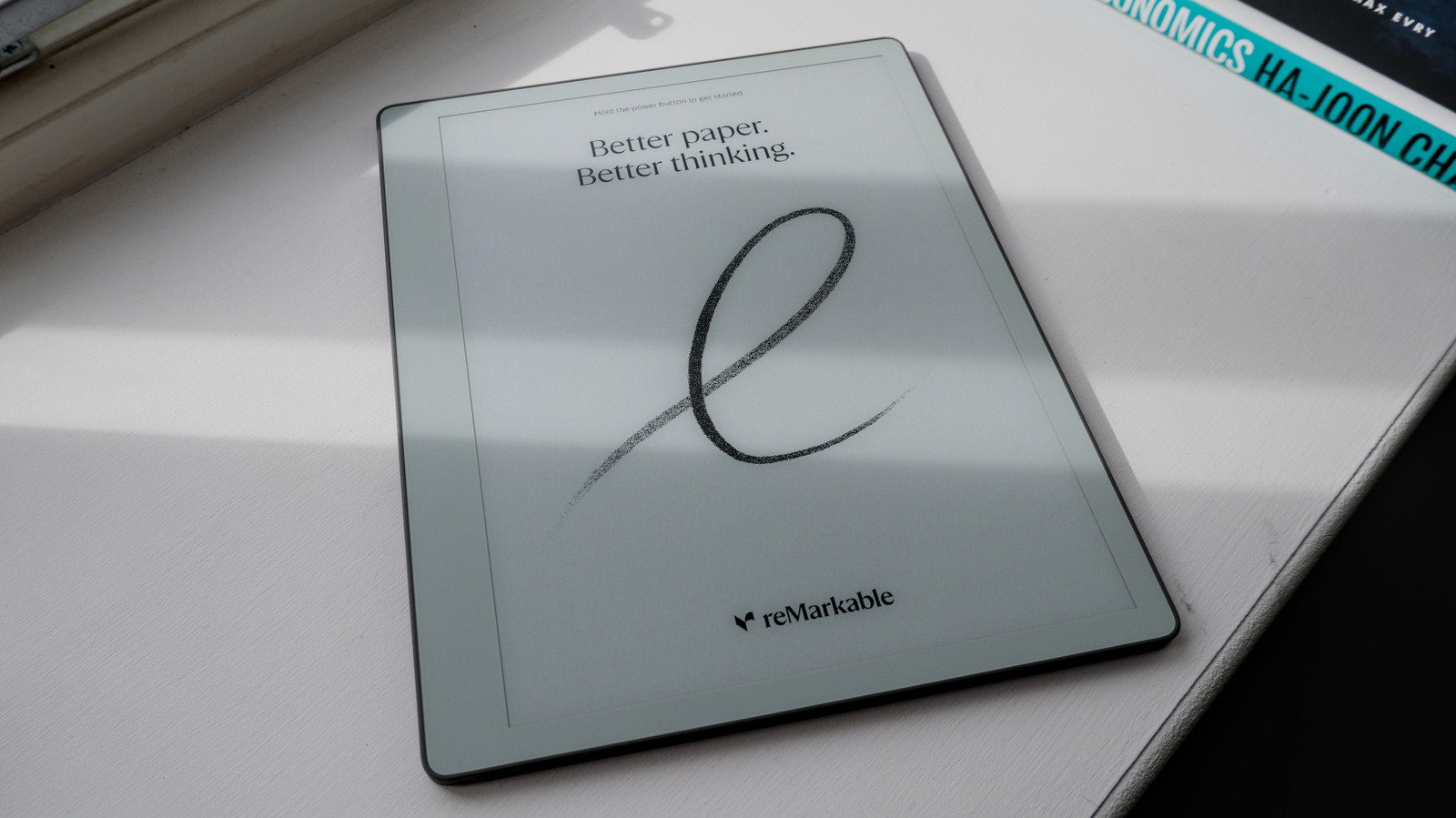
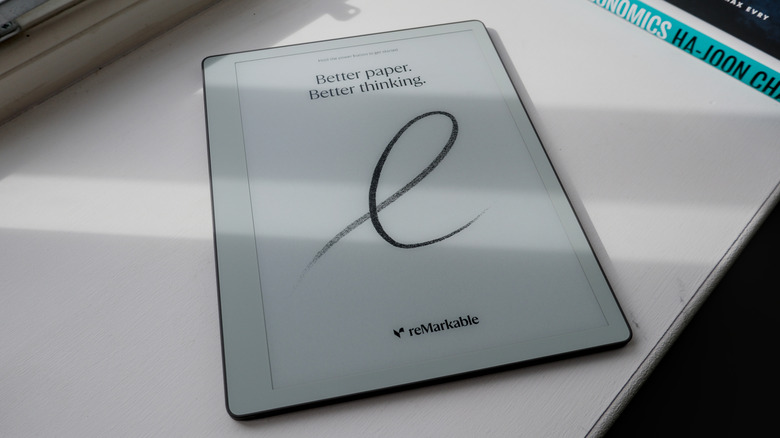
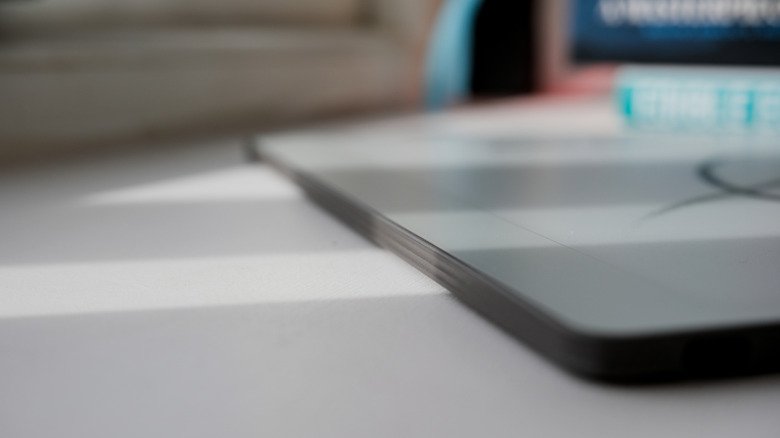
The Paper Pure is a monochrome e-paper writing slate with a 10.3-inch display, built and priced to tempt newbies. But, the company has also got one and a half eyes on cornering the enterprise market. It measures 7.4 x 8.9 x 0.2 inches and weighs 0.79 pounds, with the left side bezel thick enough that the slate will rest comfortably in your hand. And while it's ostensibly the cheaper device, it carries the same visual design language as found on the Paper Pro line.
Inside is a 1.7GHz dual-core ARM Cortex A55, 2GB RAM, 32GB storage and a 3,820mAh battery. reMarkable says the device will last for three weeks on a charge, based on using the slate for an hour a day, every day. The 10.3-inch "Canvas" display is a customized version of E Ink's Carta 1300, which is whiter and has better contrast than the reMarkable 2.
A surprising carry over is the new Marker, which was a passive stylus on the first two reMarkable slates. They were redesigned for the Paper Pro and Move as active units, talking to their respective tablets to reduce writing latency. And, like the Pro models, the Marker wirelessly charges when magnetically connected to the right side of the slate. The textured top layer is here too, ensuring a consistent, paper-like writing experience on the display. There's also full disk encryption and secure boot to appeal to enterprise users and their IT teams.
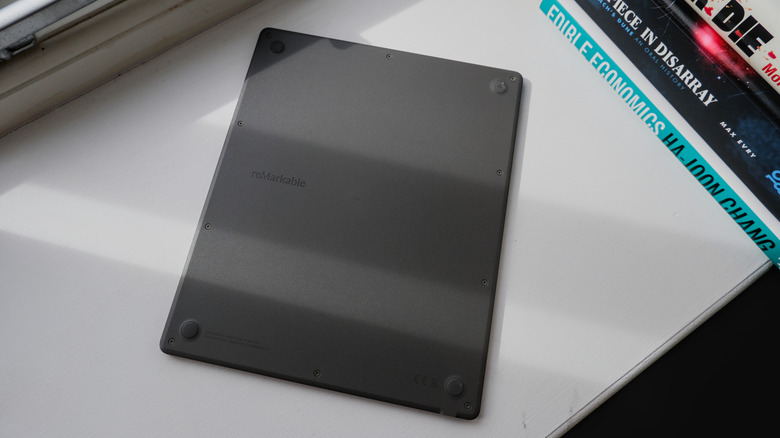
Flip the device over and you'll notice the exposed plastic Torx screws on the back plate. This is part of the company's push to make the hardware more repairable ahead of the EU's directives on the matter. Even the Markers are now repairable, easy enough to access to swap out the batteries should something go wrong. However, the company doesn't yet have the parts infrastructure in place to enable it, and it would still much rather handle repairs itself.
reMarkable is intentional in its design and sweats details far more than others in the industry. The chamfering around the edges is harder to achieve in plastic than metal, but the company went the extra mile to find a solution. It sourced recycled magnesium for the core inside the frame to make it strong but not heavy. And there's no flex or bend in the hardware, hell it's almost impossible to even see the join lines between the corner components such is the tidiness of reMarkable's design and manufacturing.
Unfortunately, there's one omission which isn't just vexing but offensive at this point in time. Unlike the Pros, the Pure lacks a display backlight, giving it the same flaw which dogged the reMarkable 2. The lack there was painful if understandable, but here after so much time, it's unforgivable. As soon as the light levels fall, you'll struggle to use this thing, which is fine if you're working in a brightly lit office. But if you're a normal user who wants to organise their thoughts at the end of a long day, you're screwed. reMarkable said the lack of a backlight is "an intentional choice to provide the most paper-like experience for those who prioritize deep thinking, primarily in well-lit office environments."
The reMarkable 2 and Paper Pro both had pogo pins to enable the use of Type Folios, but neither the Pro Move or Pure do. I asked if this was a sign the company was going to open up the on-board Bluetooth, as many in the hacking community have done, to enable third-party keyboards. But the response was very much a non-committal gesture about how typing isn't one of the company's priorities right now. Perhaps reMarkable sees keyboards as a distraction from the pen-and-paper device it's trying to sell the world. Or maybe, since I last worked for a Fortune 500 company, nobody types anything anymore.
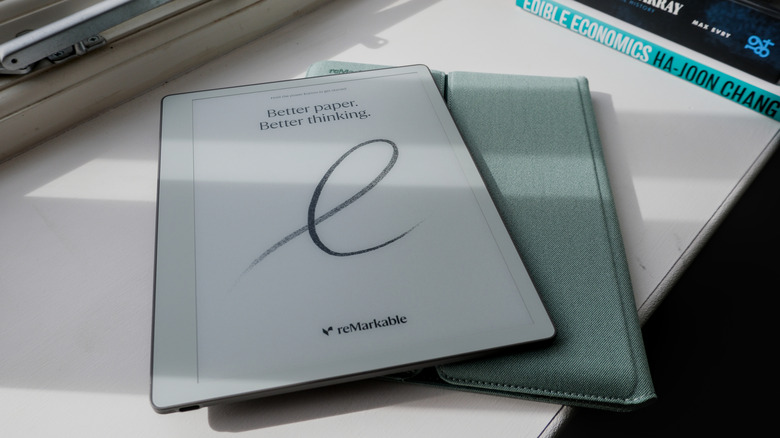
Another thing you won't see on the Pure is a wraparound tablet folio as found on all its other devices. Instead, you get a cute carrying sleeve in a choice of colors (green, pink and dark blue) for when you're moving between meetings. The color and design is solid and precise; there are magnets inside the case to hold the flap in place and trigger the Paper Pure to wake up if you pull it out of its sleeve. The lack of a proper folio isn't great, but I do appreciate the effort made to craft a carrying case that you don't feel ashamed to use.
In-use
 Daniel Cooper for Engadget
 The reMarkable Paper Pure is, without a doubt, one of the nicest e-paper writing slates I've spent a lot of time with. The writing experience is more or less identical to the one found on the Paper Pros, and it's an enormously well-crafted experience. I'm a big fan of the display and I'm fairly sure it's more responsive to page swipes and refreshes than its siblings. Given what people will use this device for, I'm not even sure they're going to miss the color display. I certainly didn't, which even I was surprised about, but then color isn't a necessity for a slate of this type. If you're just handwriting long notes and editing, you're probably not stopping every few scrawls to change ink color or highlight something anyway.
I'll go further and say the Paper Pure is a far better device than the Paper Pro Move, which I found too small to be useful. In hindsight, the Move was likely a distraction if it held up engineering resources that could have gone to this. I've found it very easy to lean back in an armchair and scratch out my thoughts about this device in my time with the Pure. Plus, it's an excellent e-reader that doesn't burn out your eyes, and it's great for journaling and sketching out the earliest design plans for projects.
reMarkable's intentionality encompasses AI: The company won't put any gen-AI crap on its gear for obvious reasons. But it does use machine learning to analyze your handwriting and, when you upload your documents to reMarkable's sharing page, it'll create AI summaries and extract action items. Plus, if you upload a file to, for instance, design website Miro, the AI will try and extract your writing and diagrams, digitizing them for the platform in question. These are all sensible and perfectly valid uses for the technology in my opinion, greasing the wheels of your workday rather than allowing you to outsource your thinking.
The basic stuff hasn't changed. You create notebooks, using a variety of paper styles and templates. You can import .PDF and .EPUB files to read and amend, and can edit text directly if you can brave the on-screen keyboard. If your handwriting is clear enough (and mine rarely is) you can convert your scrawl to text, and the system will even let you search through your handwritten notes. Once done, you can share a .PDF of your work via email, Google Drive, Slack or various other third-party clients.
reMarkable supports native import of .DOCX files, which you're able to edit with the stylus. When you want to export that file back to your computer, you'll get an AI summary of the recommended changes. But, much like the exports of .PDF and .EPUB files, you'll still have to manually copy-paste those amendments in your original document. Which, if I'm honest, doesn't seem like a particularly efficient way of doing things, especially given who the company is pitching itself to now.
One of the new enterprise-friendly features is calendar integration, which will let you create and file meeting notes specific to each event. If it's, say, a recurring meeting, the system will tie all of those together in the same workbook so you aren't hunting for notes. Sadly, what you can't do with this feature is automate some of the busywork that comes with using the slate as a day planner. There's a small ecosystem of creators who sell custom .PDFs for use as planners or journals tailored to people's specific use cases. This prompted reMarkable to launch Methods, a more dynamic system to do the same thing, but it lacks the joined up thinking that such a feature could benefit from. After all, I'd love it if my reMarkable planner automatically filled in the information from my integrated calendar.
For a while you've been able to share the screen of your reMarkable to a computer but that's gotten a lot more useful. You can share it via a USB-C cable or wirelessly to the company's web client to conduct presentations. Even better, and another sign of reMarkable's elegant design choices, is that if you hover the stylus a few millimetres over the display, it'll turn into a laser pointer with a slowly-diappearing light trail. So, if you need to highlight something in your presentation or brainstorming session, you can do so without affecting what's on your workbook.
Unfortunately, all of these innovations are targeted so squarely at companies that regular folks might feel a bit elbowed out. It doesn't help that while the device itself is a joy to use, it's increasingly obvious the ecosystem that surrounds it is not. The friction inherent in moving a document on and off the slate, the extra steps in the workflow that it creates, are charming only in isolation.
Price
 Daniel Cooper for Engadget
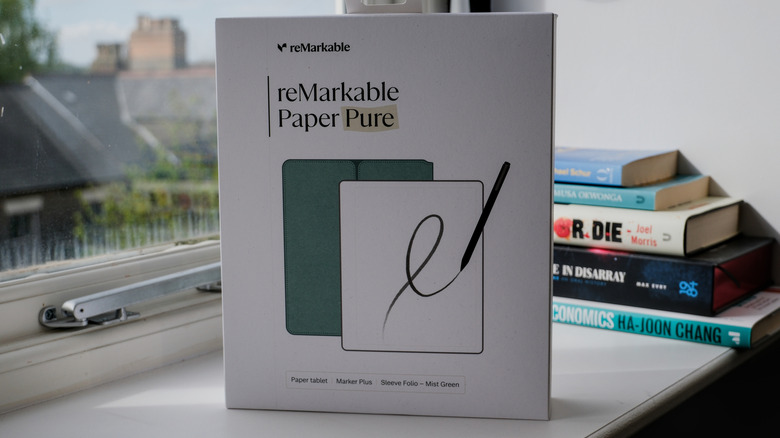
 reMarkable Paper Pure is available to pre-order today, with the base model and marker priced at $399. Spend $50 more, however, and you'll get the Paper Pure, the Marker Plus and the carrying sleeve for $449 which, if we're honest, is a much better deal. In addition, you'll likely not get the full benefit of using the hardware unless you fork out for the company's annual subscription which is $3.99 a month or $39 per year.
Wrap-up
 Daniel Cooper for Engadget
 The reMarkable Paper Pure is another fantastic piece of hardware from a company that just makes great tools. There are countless things I love about it, and it really does succeed in its mission to provide you a space to think without the temptations of the internet. I love the writing experience and it does feel close to writing on paper, rather than the more weightless experience you find on many other slates. I was expecting a step down on the display quality and responsiveness and found both to be improvements over its flagship siblings.
I wasn't joking when I said I prefer this to the Paper Pro Move, which is more portable but less useful. I could easily picture having this device in my bag wherever I go to pull double duty as an e-reader and notebook. Hell, if reMarkable could improve the calendar integration it would be possible for me to replace the paper Bullet Journal I currently use to run my life. In many ways, I look at this device and think "I can see so many ways this would make things easier and better, if only it was more flexible."
Until now, that inflexibility has represented the intentional, slow way of moving the company builds for. But when it starts making pitches to big business, which are all about efficiency, it loses a lot of its previously stored up credit. And that lack of flexibility dings the score for the Paper Pure because it needs a better ecosystem around the device itself. Thankfully, with the exception of the backlight, almost all of the issues are with software, and that's a far easier thing to fix.