It’s a notable evolution of the MacBook Pro at a much higher price.
By Devindra Hardawar Nov. 5, 2026 9:00 am EST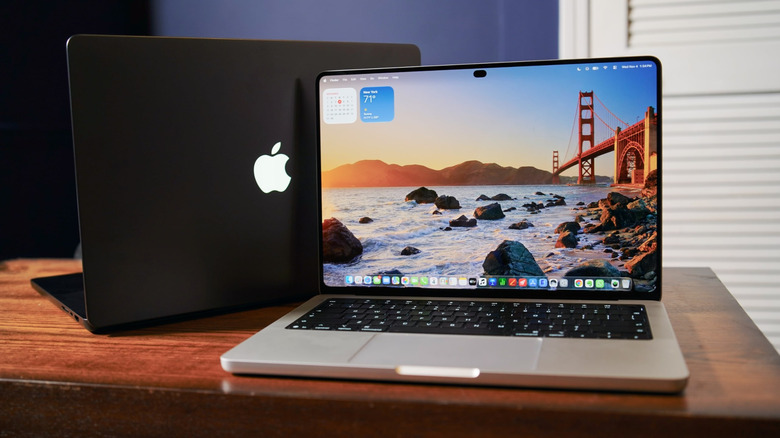 Devindra Hardawar for Engadget Add Engadget on Google: Preferred Source Google Discover RATING : 8.8 / 10 Pros
- Excellent OLED touchscreens
- Noticeably slimmer cases
- Better speakers
- Fast performance
- Tons of ports
- So damn expensive
- Touchscreen doesn’t add much
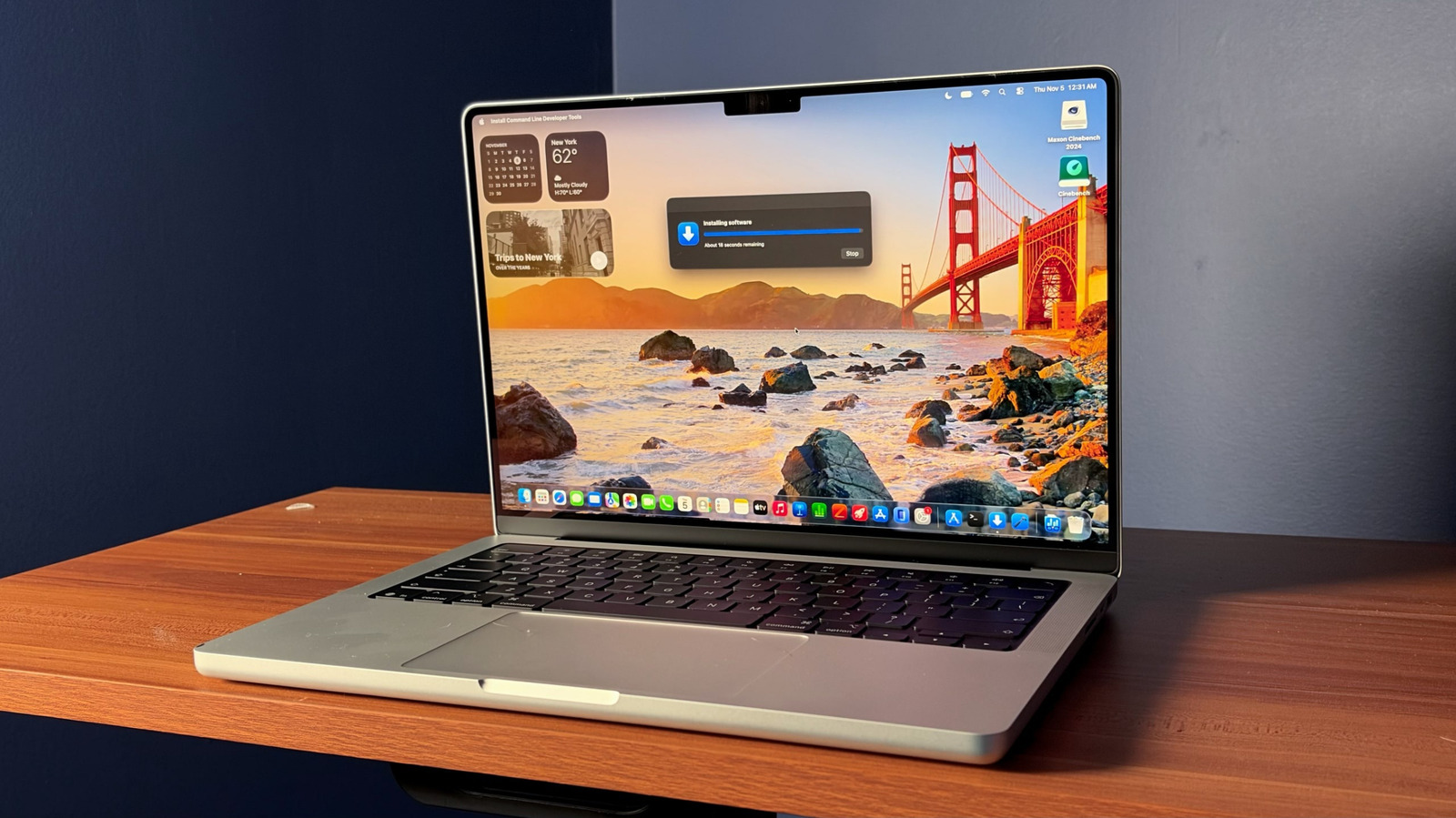
The least interesting thing about Apple's new touchscreen MacBook Pro is the touchscreen. The new MacBook Pro with PROLED XDR Display, as it's awkwardly called, is better seen as a total redesign of Apple's premium laptops. Both models are slimmer and lighter on every front: The 14-inch model weighs 3 pounds, down from the standard MacBook Pro's 3.7 pounds, while the 16-inch model goes from 4.7 pounds to 4 pounds. It also marks the first time the MacBook Pro has been graced with OLED screens, which are gloriously colorful in all the ways OLEDs tend to be.
Oh yeah, these new machines are also significantly more expensive. The 14-inch starts at $2,899, $900 more than the standard MacBook Pro. The 16-inch PROLED model will cost you $400 more than the regular version at $3,399.
In a time when computers already cost more, thanks to the AI-driven price increases for RAM, storage and other components, it seems odd for Apple to unleash its most expensive laptops yet. But I'm sure there's a crowd who will pay anything to have the sleekest MacBook Pro around. I just hope that Apple keeps its non-touchscreen MacBook Pros around for a long time (and maybe even brings those prices back down).
What's notable about the MacBook Pro with PROLED XDR Display?
 Devindra Hardawar for Engadget
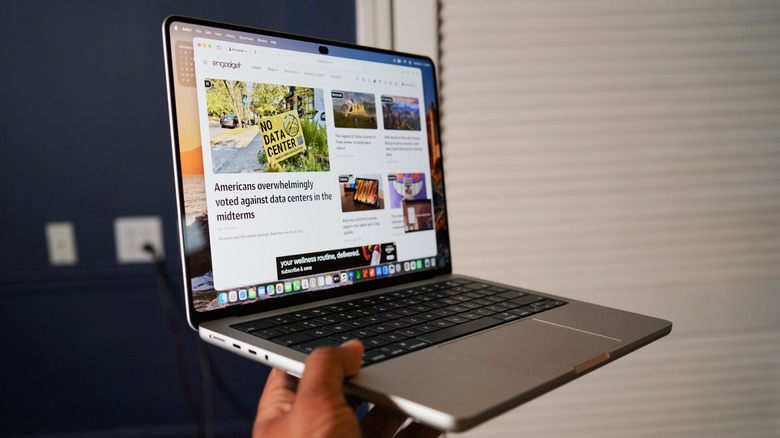
As you can tell from their name (which really should be something along the lines of the MacBook Pro Ultra), the PROLED XDR screen is the real selling point of these computers. And, at the very least, the display is impressive enough for Apple to create an entirely new marketing buzzword. Both the 14-inch and 16-inch revamped MacBook Pros have OLED screens that are slightly larger than the standard models (14.2-inches and 16.3-inches), which, together with thinner bezels, makes them feel a bit more immersive. They can reach up to 2,000 nits of peak HDR and 1,000 nits of sustained full-screen brightness, making them the brightest OLED screens we've ever seen in laptops. They also sport an insanely high 10,000,000 to 1 contrast ratio.
Being OLED displays, where every pixel is turned on and off individually, they can reach pure deep blacks right alongside very bright elements. As someone who spent hundreds of hours staring at Apple's previous Mini LED-equipped MacBook Pros, which were already incredibly bright, I found it a bit hard to see the difference between the two screen technologies during normal usage. But when I was watching a movie with a dark background, which occasionally erupted into a bright scene, the PROLED XDR MacBook Pros looked more realistic. Watching the final scenes of F1: The Movie, where fireworks erupt against-black night sky for several minutes, felt absolutely revelatory on these screens.
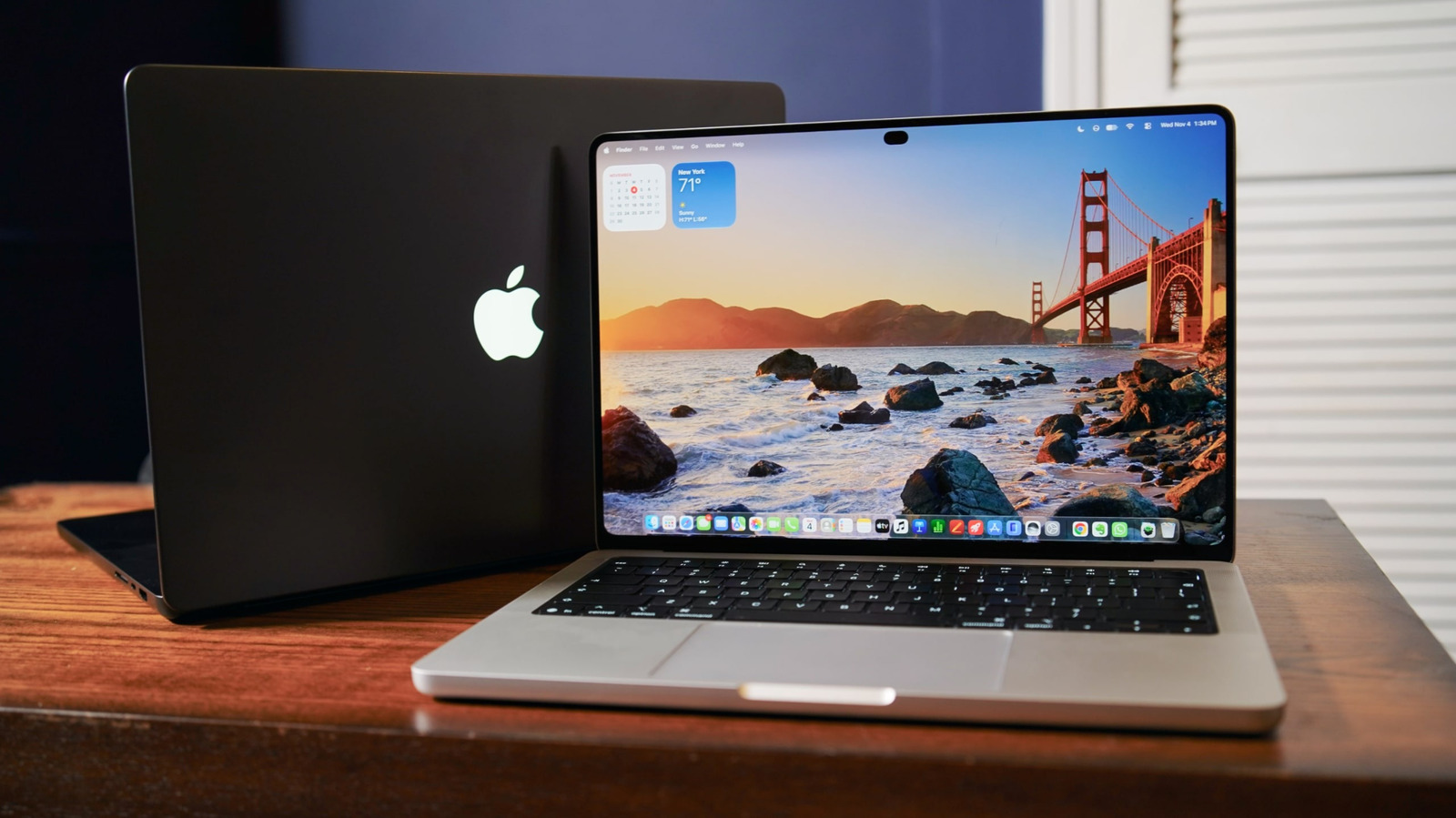
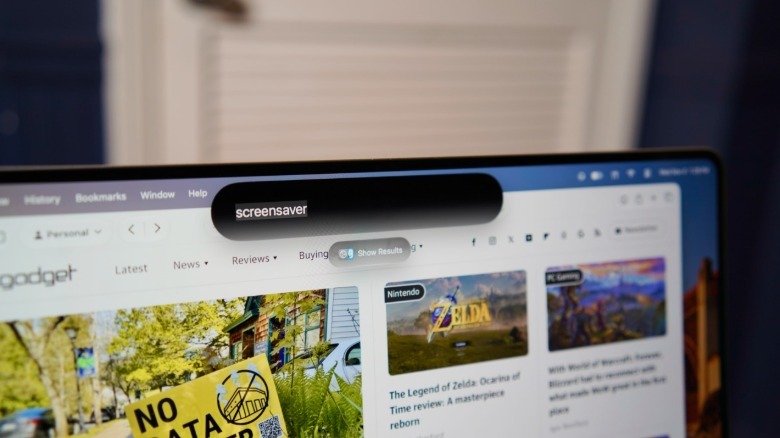
The MacBook Pros with PROLED XDR also sport a Dynamic Island at the top of their screens, which houses their webcams and serves as a new home base for Spotlight and Live Activities. In practice, it works just like the Dynamic Island on iPhones — the displays morph around the black oval to reshape it for various tasks. It's slightly less noticeable than the notch on the standard MacBook Pros, but it ultimately doesn't make a huge visual difference.
 Devindra Hardawar for Engadget
For all of the attention Apple paid to its new OLED screens and thinner design, it's surprising that the company has taken a very basic approach to bringing touchscreen support to macOS. The PROLED XDR touchscreens work as you'd expect: You can swipe on the screen to scroll through articles or manipulate 3D objects or other media. Touch interactions just register as mouse clicks, so you can use it for everything in macOS, and Apple also has plenty of creative application partners like Adobe and BlackMagic who plan to fully support the touchscreen. There's no Apple Pencil support, though, so if you actually want to draw you'll still need an iPad.
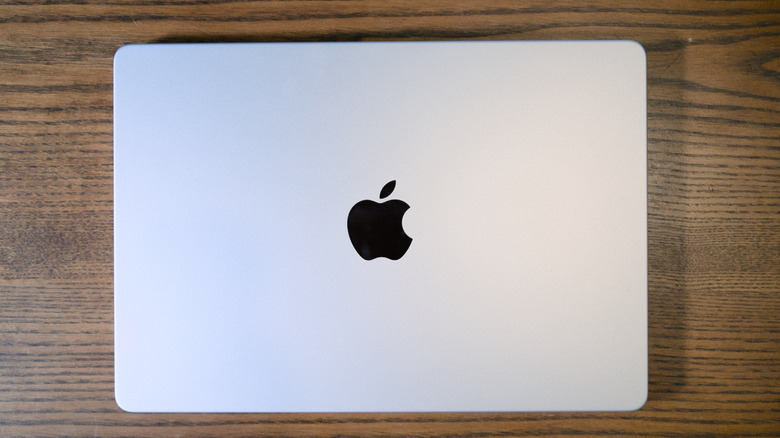
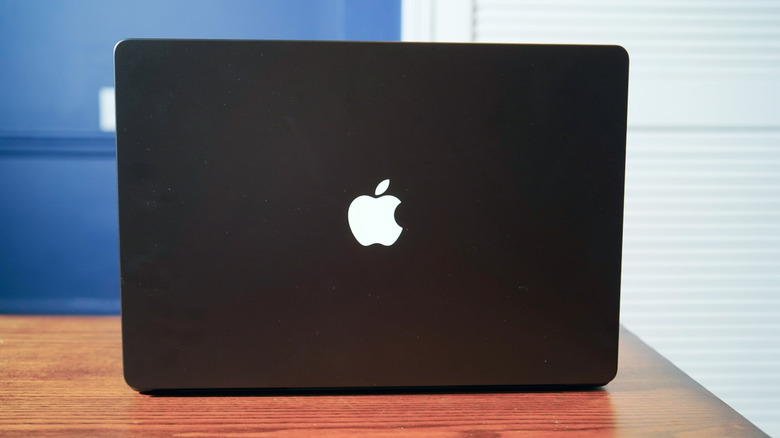
Both PROLED XDR MacBook Pros look almost the same as the standard models, but there are plenty of hidden refinements that have led to a significant weight reduction. The 3-pound 14-inch model feels closer to a MacBook Air than a MacBook Pro, while the 16-inch MacBook Pro now feels more like the standard 14-inch model, which weighs between 3.4 and 3.6 pounds. Apple was able to shave off the fractional pounds by moving to the lighter OLED displays, as well as reworking the MacBook Pro's cooling design and internal components. I don't have a huge problem with the weight of the standard MacBook Pros, but given that PC competitors are aggressively making their machines lighter, it's nice to see Apple following along.
Beyond the screen and a new case design, the PROLED XDR MacBook Pros also feature a slightly redesigned audio system with six speakers. Apple already had the best speakers I've ever heard in a laptop, and now they're just better with enhanced low end for boomy bass. I was able to crank up the 14-inch model while playing music in my backyard, and there was no distortion or loss of clarity. It simply sounded great as I tried to fill my neighborhood with the sounds of Jungle's Tiny Desk concert.
Under the hood, Apple's new MacBook Pros are running the same M5 Pro and M5 Max chips as the previous models, so there shouldn't be any performance differences. Nothing has changed with the keyboard or trackpad either, but given that they're among the best we have already, I'm not complaining. Thankfully, Apple didn't make the same sacrifices as it did with the slim TouchBar MacBook Pros a decade ago. These PROLED XDR models all have the same ports as the standard MacBook Pros, including three USB-C Thunderbolt 4 ports, HDMI, a headphone jack, a MagSafe power adapter and a full-size SD card slot.
In-use: A wonderful evolution of the MacBook Pro
 Devindra Hardawar for Engadget
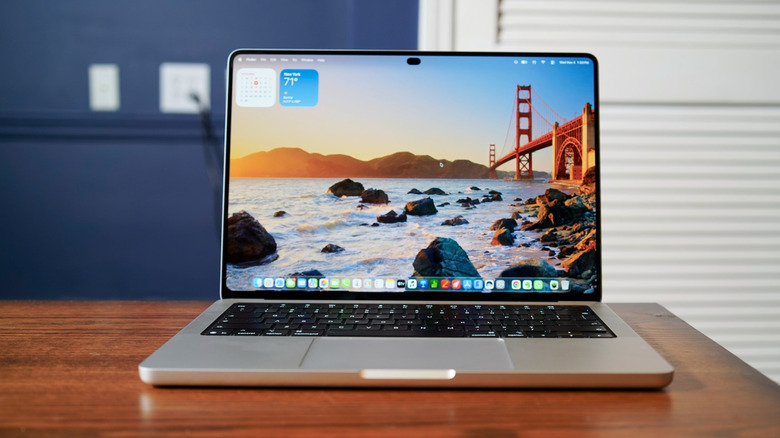
Even without opening up these MacBook Pros, it's obvious that they're more refined. You can immediately feel how much lighter they are than before. And once you get working, the slightly bigger screens and the ability to just touch them whenever you want becomes wonderfully convenient. None of the upgrades are compelling enough to throw out your MacBook Pro if you have a recent M-series model, but they're nice to have if you're willing to pay a premium.
I'll reiterate, though, that the actual touchscreens from these systems aren't anything special. It's nice being able to casually scroll through the web and documents like I can on most Windows PCs, but it's not exactly a game changer. Games like Angry Birds Reloaded and Powerwash Simulator also work seamlessly with the touchscreen, though there are occasional issues, like not being able to trigger specific Angry Bird powers. Powerwash Simulator was also much more accurate using the MacBook Pro's touchpad (I'd wager it's just not optimized fully for touchscreens yet).
While we've had Windows laptops that can twist and turn in all directions to make better use of their touchscreens, Apple has avoided doing anything too crazy with these MacBook Pros. The hinges are a bit more stiff to withstand you touching the screen, but that's about it. If you want a touchscreen Apple device that can move between laptop and tablet modes, you'll still need to get an iPad with a keyboard case. There were rumors that the company was working on some sort of "hybrid" touchscreen interface for macOS, but there's no sign of that here.
Maybe Apple didn't call these systems "MacBook Pro Ultra" because they're basically just MacBook Pros with nicer screens and slimmer cases. They're not exactly changing any computing paradigms. And given that these models are running existing Apple chips, their benchmark performance also comes as no surprise. Our 14-inch review unit, which featured an M5 Pro chip and 48GB of RAM, delivered a single-core Geekbench 6 score of 4,217 points, in line with what we've seen from the rest of the M5 family. That single-core figure is one of the highest we've seen this year, bested only by the ridiculously powerful Mac Studio with the M5 Ultra chip and the MacBook Pro with an M5 Max.
The 14-inch MacBook Pro with PROLED XDR Display lasted around 12 and a half hours on my workflow, which mostly involves juggling tons of browser tabs, Slacking, image editing, writing, video chatting and occasionally taking some video breaks. Apple claims the 16-inch model can get up to 24 hours of runtime with light web browsing and 1080p video streaming. In my testing, the 16-inch PROLED MacBook Pro lasted for 10 hours and 15 minutes while running a benchmark script replicating real-world coding work.
Should you buy the MacBook Pro with PROLED XDR Display?
 Devindra Hardawar for Engadget
Given the huge price jump, these aren't systems I can easily recommend to casual buyers. If you're a professional who demands the best quality screen available, or if you travel a lot, it may be worth the significant premium for a PROLED XDR MacBook Pro. At the moment, the 16-inch model seems like the better value, since it's only $400 more than the standard 16-inch MacBook Pro. Spending $900 more just to get a touchscreen OLED 14-inch MacBook Pro just doesn't make much sense, unless you're aiming to get the lightest MacBook Pro possible.
It's hard not to look at the MacBook Pros with PROLED XDR Displays and avoid getting angry about skyrocketing hardware prices. Earlier this year, the 14-inch MacBook Pro started at $1,699, while the 16-inch model went for $2,699. But the price hikes in June pushed them up to $1,999 and $2,999, respectively. Now, Apple is pushing its lineup even higher just for a redesign and better screen.
The obscene prices are unfortunate, but if you're eager to get your hands on the best MacBook Pros around, you'll have to suffer through them. Maybe Apple will actually lower its prices in a few years once RAM and SSD demand stabilizes, but by that point you can likely also save a ton from buying a used or refurbished model. At these price levels, we'll have to start thinking about buying computers like we do cars, where it rarely makes sense to buy something new.
Wrap-up
 Devindra Hardawar for Engadget
The MacBook Pro with PROLED XDR Displays isn't exactly revolutionary for Apple, but it shows there's still plenty of room for the company to refine its designs even further. Both the 14-inch and 16-inch models feature OLED screens that are so beautiful to watch, you won't notice that the actual touchscreen experience is fairly basic. If you've already spent a ton on a recent standard MacBook Pro, though, there's no need to rush out and upgrade. Those systems still have great screens and they perform just as fast.