Google has a lot to prove, but its smart glasses will have a few big advantages.
By Karissa Bell May 19, 2026 6:43 pm EST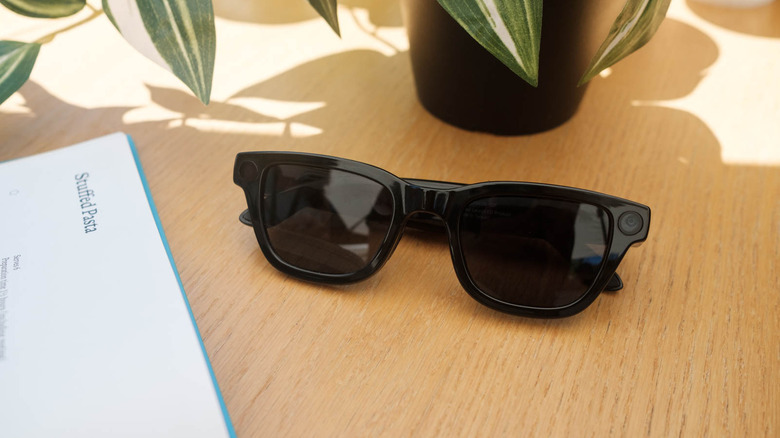 Igor Bonifacic for Engadget
 Last year at Google I/O, we got a promising, if frustratingly limited, look at Android XR. At this year's event, the company confirmed that the first glasses from Warby Parker and Gentle Monster are finally coming later this year.
Those frames are still under wraps, though we got a bit of a preview during the I/O keynote. But Google's developer conference did, at least, give us a much clearer picture of how its smart glasses will work. Given that Meta has a years-long headstart, Google will have a lot to prove. But despite being almost embarrassingly late to the smart glasses game, Google has a few significant advantages. And, after trying out the latest Android XR glasses, I suspect at least some people will prefer these over Meta's Ray-Ban shades.
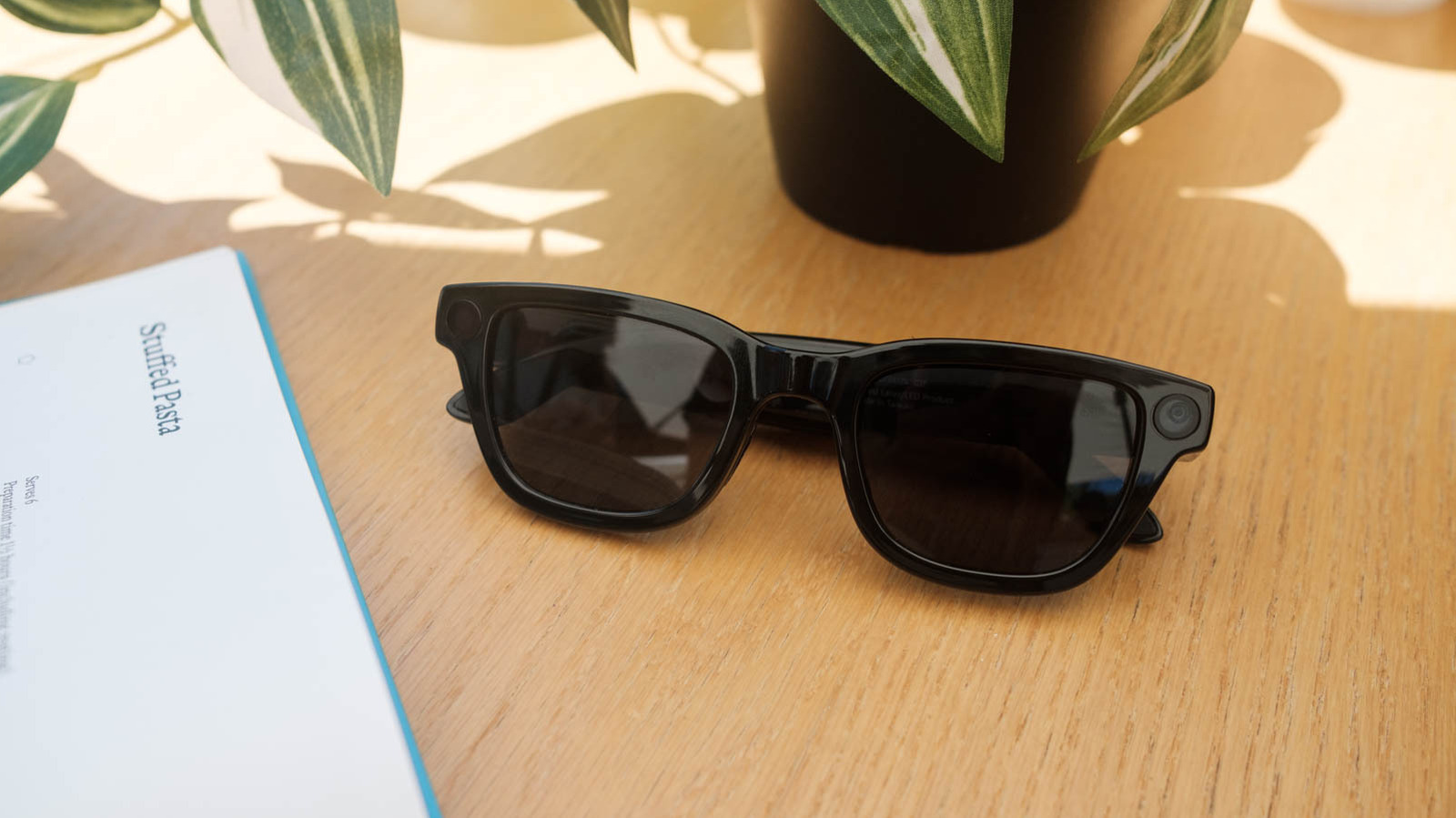
The glasses I demoed were not the branded frames briefly shown off during the keynote. They were "reference hardware" that Google uses for its own internal development. These glasses also had a built-in display, unlike the Warby Parker and Gentle Monster specs, which will be audio-only. But they didn't really look or feel like a prototype either. While not quite as polished as my Ray-Ban Meta frames, they weren't overly thick or nerdy looking. And they felt much lighter than the extra chunky Meta Ray-Ban Display frames.
 Igor Bonifacic for Engadget
 The display setup is similar to the prototype I saw last year, with a single window over the right lens. On the reference hardware, it had a 20-degree field of view, though Google was quick to point out that specific specs could change.
While the display was impressive — it was every bit as crisp and bright as the Meta equivalent — it was obvious that even the audio-only Android XR glasses could have a big advantage over Meta and other would-be rivals. Namely, that Google has been able to integrate its own apps and, yes, Gemini into the frames in a way that seems incredibly useful.
For example, using Google Translate was much more seamless than my experience with Meta's glasses. I was able to move between a Google rep speaking Spanish and my colleague Igor Bonifacic speaking Serbian and the glasses kept the translation going without interruption. It also adeptly ignored the people around me speaking English, and only showed a real-time translation of what was being said in a foreign language. There probably aren't that many real-life situations when you would need to move between multiple languages inside of the same conversation, but the fact that it was possible underscores Google's advantage.
While I've generally been impressed with Meta's AI glasses' translation abilities, you can only do one language at a time. You also need to download the language to your phone ahead of time, which can make spur of the moment translations tricky.
 Igor Bonifacic for Engadget
 The non-display glasses will also still benefit from multimodal capabilities, which rely on the onboard cameras and Gemini to surface information based on your surroundings. I was able to look at a recipe and ask Gemini to add the ingredients to my shopping list on Google Keep. Gemini actually briefly struggled with the command, but I didn't have to stop and start over. I kept speaking and it was able to adjust on the fly.
I've often complained that one of the biggest drawbacks of Meta's glasses is that they work with relatively few third-party apps. While Meta's working on fixing that, for now they're great if you want to read WhatsApp messages or Instagram DMs, but there aren't as many options outside of the company's ecosystem. Android XR may also be heavily reliant on Google's own ecosystem, at least for now, but being able to access Maps, Gmail and Keep feels much more practical to my everyday life.
Maps in particular could be especially useful. In my latest demo, I was once again able to get walking directions in the display, alongside a little map view when looking down towards the ground. The audio-only XR glasses won't have the benefit of a visual guide, but Google will still be able to provide walking directions via audio cues. You can also look at restaurants and businesses around you and ask Gemini for reviews and information. I've long thought that travel is one of the best use cases for smartglasses. The addition of Google Maps data is a real advantage, especially when you think about combining that with other features like real-time translations and navigation.
I still have some unanswered questions about how all this will work when it's in a pair of glasses people can actually buy. And Google still hasn't revealed specs or pricing for the consumer version of these glasses. But there's already a lot to look forward to.