For some categories, the savings simply aren’t worth the tradeoffs.
By Ben Stegner Nov. 21, 2026 9:45 am EST DAMRONG RATTANAPONG/Shutterstock Add Engadget on Google: Preferred Source Google Discover
Opting for used tech is a great way to bring down costs, and in many cases, giving up the "wow" factor of opening a brand-new device can be worth the savings. A used phone, tablet or laptop can have years of use left if you buy a model that's not terribly old and trust the previous owner. It's the same with game consoles, monitors and other devices that can have a lot of life left in them.
However, even with tempting discounts, there are some categories of tech products where you should skip used and buy new (or perhaps refurbished). Plus, some of these devices raise hygiene concerns, like earbuds and other wearables, while some device categories can lose reliability with age or use, such as hard drives and battery banks. So the next time you're shopping at a thrift store or browsing a local classifieds page online, don't go for any of these products. It's also worth keeping these points in mind before you list any such used tech for sale yourself.
Headphones and earbuds
 Gorodenkoff/Getty Images
This is likely the first category that comes to mind when you think of something you wouldn't want to use after someone else. Earbuds go fairly deep into our ears and pick up a lot of earwax, sweat and other nastiness over time. Even if you replace the ear tips while properly cleaning and sanitizing your secondhand tech, it's not pleasant to think about those buds having been in someone else's ear canal.
Over-ear headphones aren't quite as bad, but still pick up a lot of facial oils, dandruff and other bodily debris. Some models have replaceable ear pads, but not all do — plus the headband and insides of the earcup housing can stay greasy even if you've replaced the other parts.
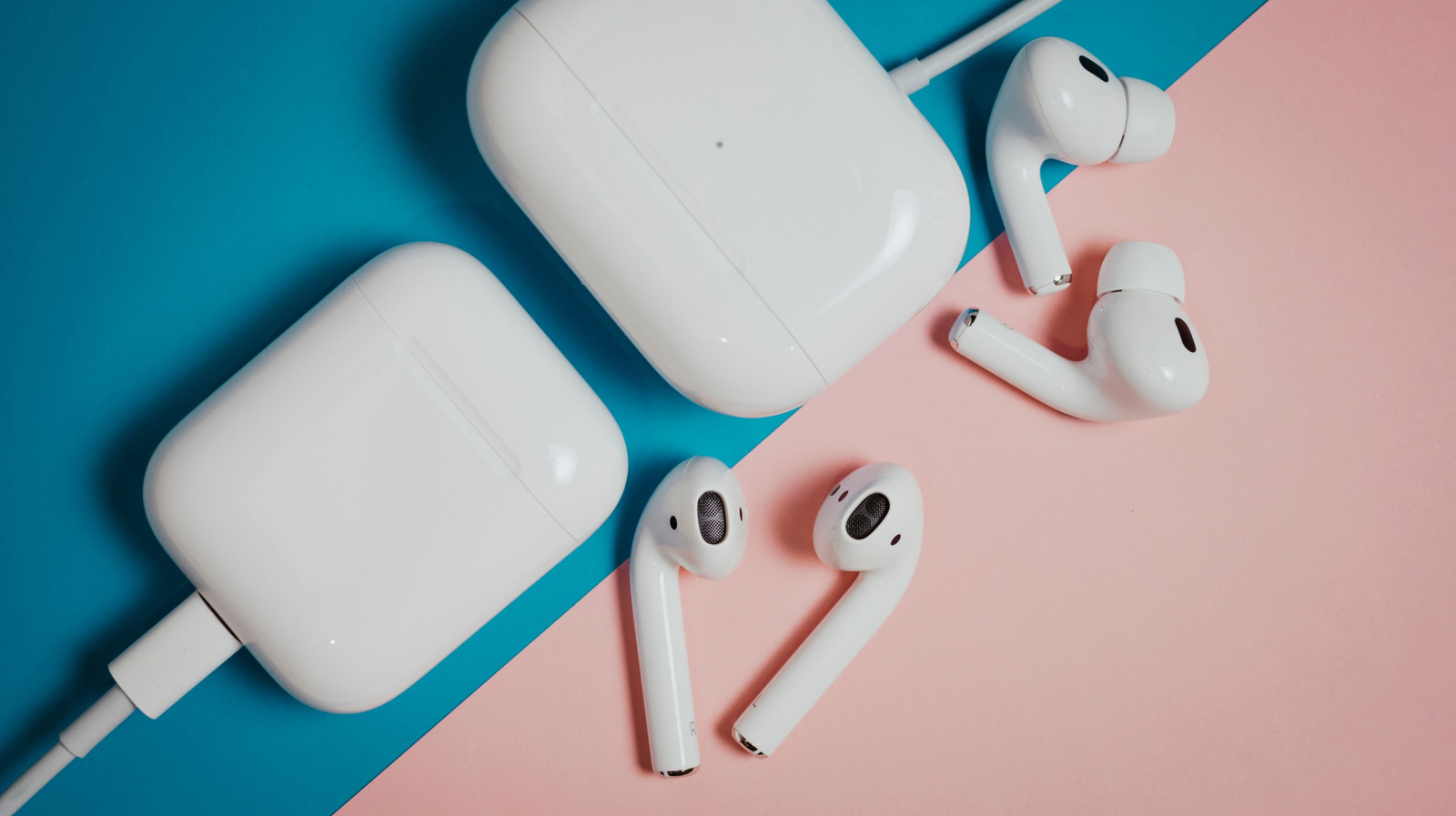
Aside from hygiene, battery degradation is also a worry (which is a common theme). Most true wireless earbuds don't have a good way to replace their batteries, so you're stuck with whatever battery health the previous owner left off at. If you bring your AirPods to Apple for a battery replacement, you'll actually get replacement earbuds with a discount for trading in the old ones, which is why we recommend you don't throw away your old AirPods.
To save on headphones, look for a new version of an older-gen model. That way, you're the only one to have worn them and you know the battery is brand-new.
Wearables
 Leisure Session/Shutterstock
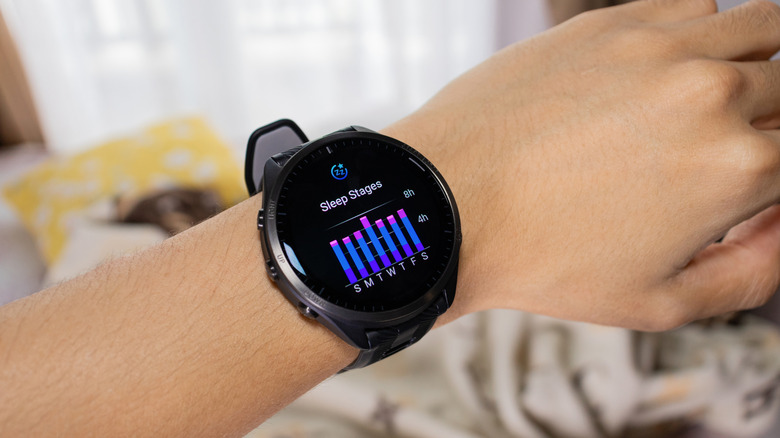
It's worth pausing before you consider buying a used Fitbit, smartwatch or similar. A device that lives on someone's wrist all day is more likely to get scratched or take similar damage from bumping into walls than a phone that sits in a pocket. Also, your tech may not be as waterproof as you think; neither water nor dust resistance is permanent. If you often bike in a gritty environment or wear your smartwatch while swimming, an old model could succumb to the elements well before a new one would.
Given the fitness uses for most wearables, a used model might be filthy, but this is less of a concern than with earbuds since you can swap the bands and properly clean the body more easily. The long-term battery health concern also applies here; wearables have small batteries that often have to be charged more frequently than phones, so the battery capacity from a long-used model could be poor. A battery replacement might be possible, but too expensive to be worth the cost. An Apple Watch battery replacement is usually $99, for instance.
If you see a good deal on a used smartwatch or fitness band, make sure you're shown clear pictures, review the battery capacity of the unit and ask how the prior owner typically used it. Also be aware of how long it will receive updates, so you don't get stuck on an old OS version.
Storage drives
 Claudio Divizia/Shutterstock
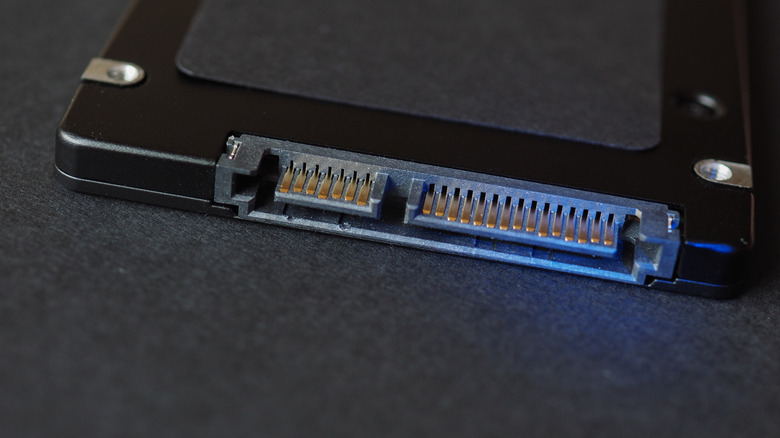
When a rise in drive prices is being driven by AI and even HDDs can't hide, used storage may seem like a reprieve. But the potential problems with hand-me-down drives are hard to identify until you're using them. SSDs have a limited number of write cycles, and while you can check your PC hard drive's health with software, it doesn't tell you the whole story. A drive that constantly ran hot or was put under extreme strain can have too little life left to justify the price.
HDDs don't have as clear a life timeline as SSDs, but you can still check their SMART data to learn about how they've been used. HDDs are also much more vulnerable to physical damage, so if the previous owner banged the drive around or you don't have a great place to store your old hard drives to keep them safe, it might not last long.
Many people sell storage drives without properly erasing them. If you ever find yourself selling one, make sure you've obliterated everything on the drive so a future owner can't recover it.
Power banks
 Dima Berlin/Getty Images
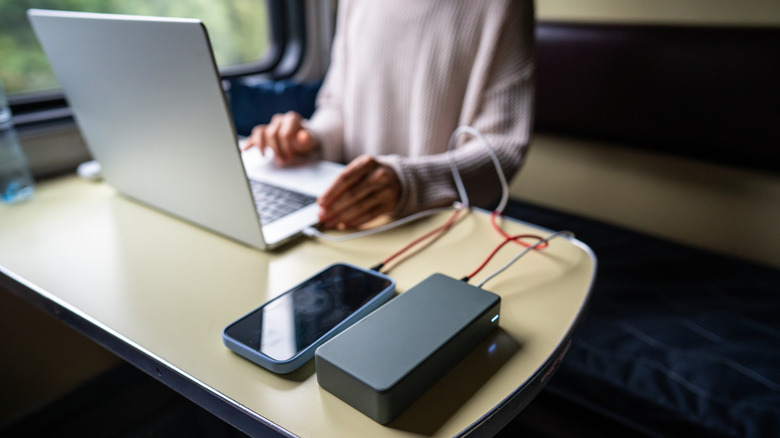
Worn-out batteries can plague most used devices, but reduced capacity especially hurts a power bank since storing power is its entire purpose. You don't want to put money into a power backup that doesn't have enough charge to keep your other devices topped up. Plus, older power banks will probably lack modern fast-charging standards, along with convenience features like built-in cables and screens displaying the remaining charge.
They're also more of a fire risk. Thermal runaway, where lithium-ion batteries overheat and catch fire, is more likely with older batteries or ones that have been compromised. If the prior owner left the bank in the heat all the time, punctured it or did similar damage, there's a higher chance it could catch on fire. This is the reason why airlines don't allow spare lithium batteries, including power banks, in your checked baggage.
A new power bank with fast charging and fresh cells is well worth it over a used model that's mostly spent.
Smart home devices (and similar home gear)
 Drazen_/Getty Images
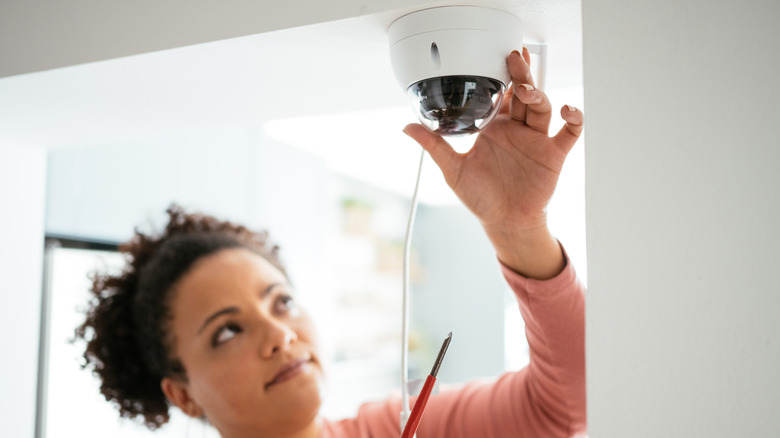
Many Internet of Things (IoT) devices, especially cheap or no-name ones, have potential problems that are worse when considering used models. The manufacturer might have stopped providing updates for the device, and it's not wise to have tech like a camera or door lock on your network that won't get patches for security flaws. An associated app for niche smart home devices might not even be available anymore, or it might not properly hook into the home platform you use. This can happen with even mainstream brands, like Roku announcing that it will stop selling smart home devices and refocus on streaming.
There have been many cases of people randomly being able to view feeds from a stranger's house on their account, and that's before anything the previous owner might have done to the device. Baby monitors are a particular concern, given their purpose. You also have to make sure the previous owner completely removed the device from their account, or it will still be locked to them.
Other devices around your home come with similar caveats. Cheap inkjet printers are notorious for being obnoxious, and a used one inherits someone else's problems on top of the usual annoyances. An older used TV may no longer get OS updates, and menu navigation could be painfully slow. Pre-owned OLED TVs might have burn-in that you don't notice until the display is in your home.
Advice when buying used gadgets
 Karen Poghosyan/Getty Images
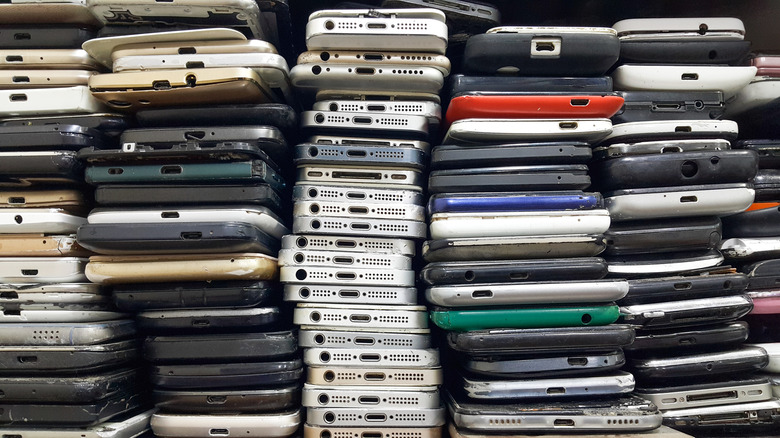
While a person might not answer honestly, it can help to understand why someone is selling old tech. If they just upgraded their TV and don't need a spare, it could be worth considering with proper examination. But if someone noticed their SSD was acting strange and is scrambling to recoup some cash before it dies, you obviously shouldn't proceed.
Rather than used products, consider buying refurbished tech online when you're limiting your spending. The definition of "refurb" can vary wildly across retailers, so you still need to look into what you're getting. A proper refurbishment (an inspected, cleaned and fixed product with a warranty) is a much safer buy than a used "as-is" item. That said, refurbs are more common with phones, tablets, laptops and game consoles than any of the categories above. Refurb earbuds are probably still not worth the hygiene concerns, but a refurbished Apple Watch from Apple with a fresh battery might be.